Professionelle Audiokonferenz

Der Audioregieplatz
für Ihre Web-Sessions

Wonder Session verbindet Ihr DAW in Echtzeit. Studioqualitaet.

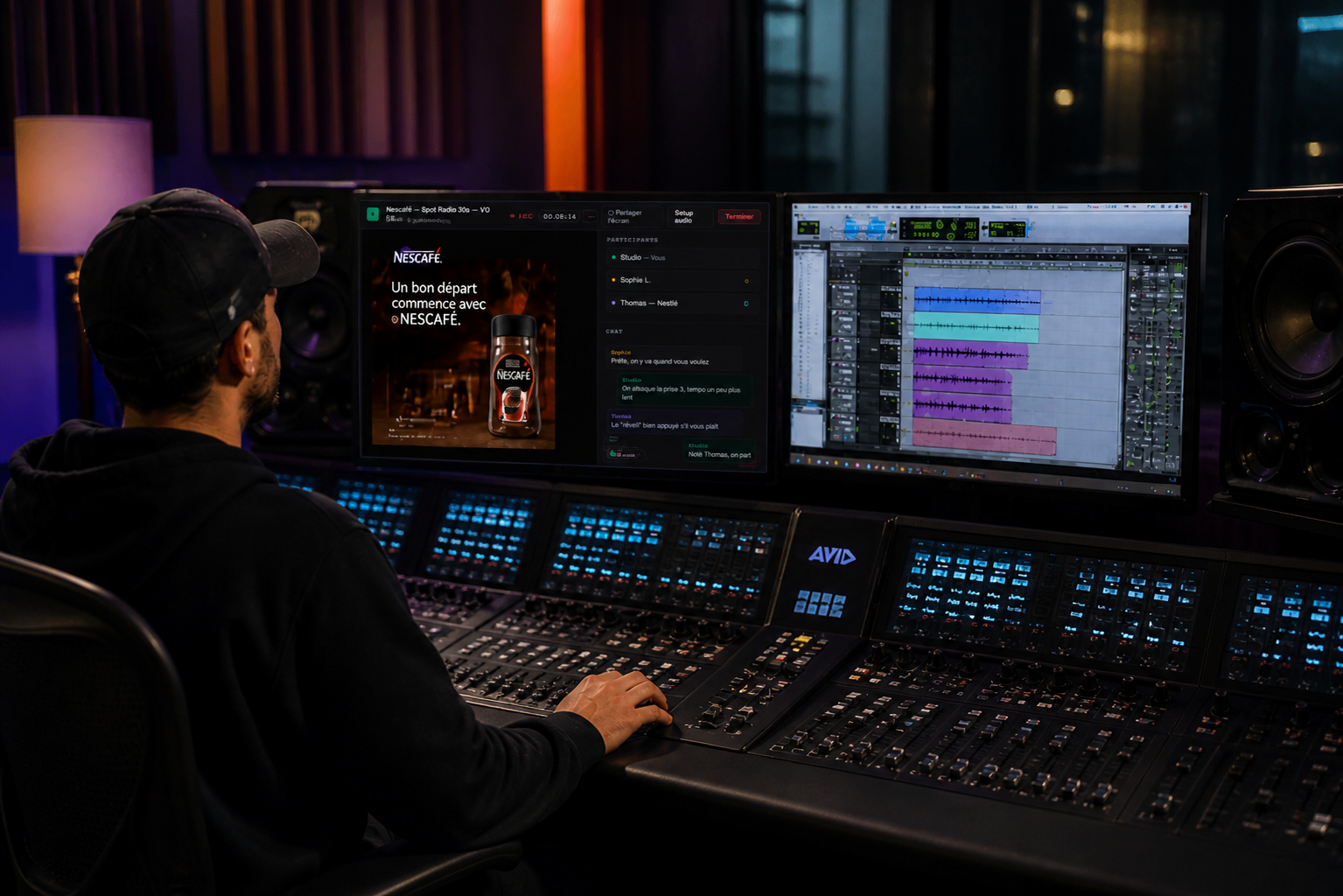
Ingénieur son sur console Avid avec Wonder Session
🎛 Studio
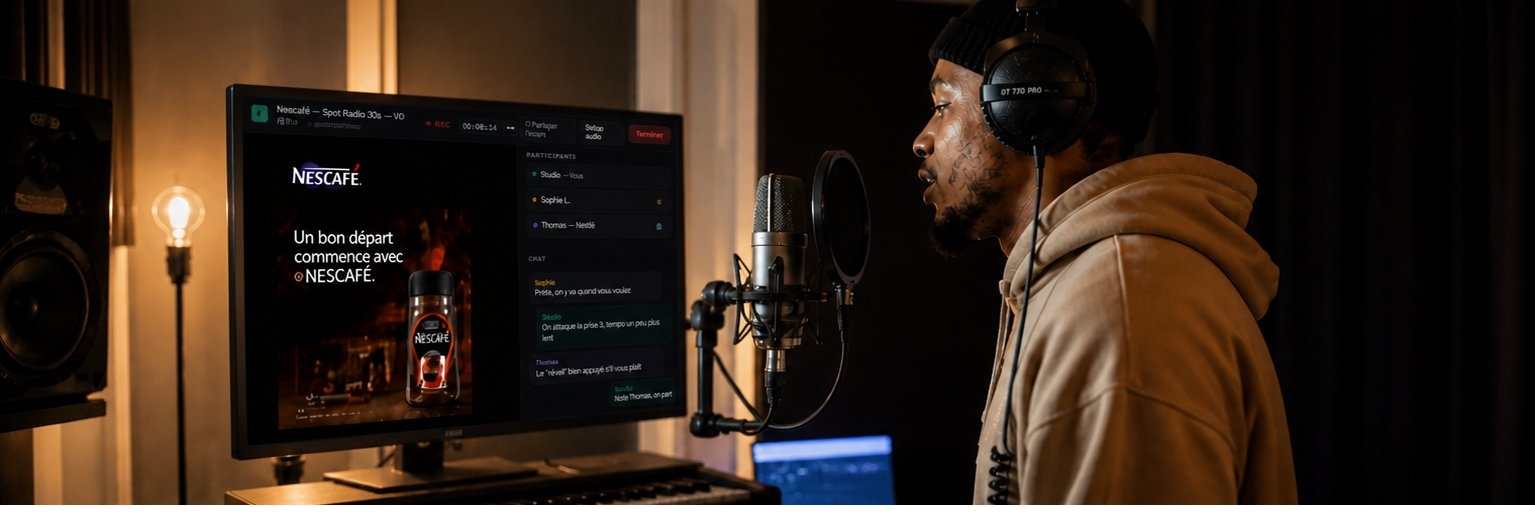
Talent en cabine avec Wonder Session
🎙 Talent
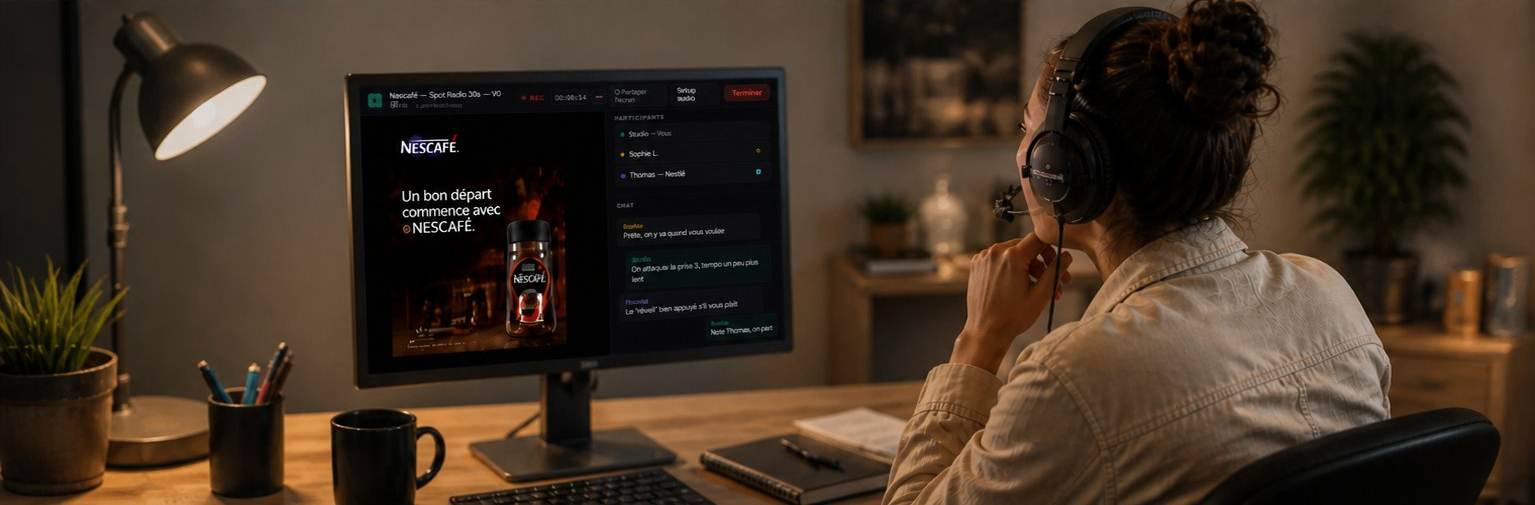
Directeur artistique avec Wonder Session
👤 Client / DA
Funktionen

Alles was ein Studio braucht

Von Toningenieuren entwickelt.

🎛

Natives DAW-Routing

Treiber mit 4 Bussen in Pro Tools oder Nuendo.

🎧

Individueller Mix

Das Studio kontrolliert den Talent-Mix.

🎬

Synchronisierte Videos

Die geteilten Videos werden per MTC mit Ihrem DAW synchronisiert. Kein Versatz, kein Lag, perfektes Ergebnis vom ersten Take.

📊

Stereo-VU-Meter

Peak-Hold-Bargraphen.

🖥

Bildschirmfreigabe

Bildschirm teilen ohne Audio-Einfluss.

✉️

E-Mail-Einladungen

Links per Klick generieren.

💡

One subscription, everything included

Studio, Talent and AD connected on separate audio buses, routable directly in your DAW — via your web browser. Unlike competing solutions that require multiple separate subscriptions.

🎯

Audio first — no webcam

No webcam = preserved bandwidth. Screen sharing is smoother — the reference video (ad, film, series) plays without lag for Talent and AD. Audio and video stay perfectly in sync.

🔒

Confidential video — never copied

The reference video is streamed from our servers and deleted at the end of the session. Unlike competing solutions that transfer the file to each participant, the Talent sees the video but never owns it. Ideal for embargoed ads, films and series before release.

Use cases

One platform, multiple uses

Wonder Session adapts to all remote audio production workflows.

🎙

Remote recording session

Studio + Talent + Clients

The Studio sends the reference mix (voice over, music) to the Talent during recording. Artistic directors listen in real time and can intervene.

  • Personalized headphone mix for Talent
  • Talent voice return to ADs (optional)
  • Direct recording in DAW
🎛

Remote mixing & mastering

Studio + Client(s)

The client doesn't need to travel to the studio. The engineer shares their DAW screen and streams the mix audio in real time. The client listens to the work in progress and gives feedback directly.

  • Real-time DAW screen sharing
  • Mix audio streamed from DAW
  • Integrated talkback
  • Multiple AD clients simultaneously
Architecture

Simple to connect

A virtual audio driver is required on the Studio side (BlackHole, Loopback or Wonder Session driver). Talent, DA and Client require no installation.

Wonder Session Audio Architecture Audio flow between DAW, virtual audio driver, Studio browser, WebRTC server, Talent, DA and Client DAW Pro Tools · Nuendo · Logic OUT TALENT IN TALENT OUT SESSION IN SESSION Virtual Audio Driver 4in/4out · BlackHole WS Driver optional Studio mix Talent mic DA mix DA mic Web Browser Studio role Audio · Screen share audio mics screen Wonder Session WebRTC Server Node.js · Socket.IO Web Browser — Talent Headphone mix Link by email · no install headphone mix talent mic screen Web Browser — DA Studio mix · DA mic Link by email · no install studio mix DA mic screen Web Browser — Client Studio mix Link by email · no install studio mix client mic screen Audio (bidirectional) Mic return DAW bus return Screen share
Rollen

Drei Rollen, ein Link

Nichts zu installieren.

Studio

The sound engineer

Toningenieur erfasst Busse und teilt Bildschirm.

  • Captures 4 stereo DAW buses
  • Individual mix per Talent
  • Talent voice relay → Clients
  • Screen sharing
  • Stereo peak-hold VU meters
Talent

The voice actor

Sprecher erhaelt Mix und sendet Stimme.

  • Personalized headphone mix
  • Screen share reception
  • Mic + return VU meters
  • Nichts installieren
Client / AD

The artistic director

Regisseur hoert Mix und kann eingreifen.

  • DAW mix + other clients
  • Real-time speaking indicator
  • Screen share reception
  • Nichts installieren
Interface

Built for the studio, simple for everyone

Three dedicated interfaces based on your role — Studio, Talent and AD. Each optimized for its specific needs.

Studio view — DAW audio capture + screen share + mix control
W
Nescafé — Spot Radio 30s ● REC 00:08:14
⬡ Partage écran actif Setup audio Terminer
🖥
Screen shared — visible to everyone
Share my screen
PARTICIPANTS
Studio Vous
Sophie L. Talent
Thomas — Nestlé DA
BUSES DAW
→ Talent
← Talent
→ Session
← Session

Preview — final interface under development

Preise

Einfach und transparent

Keine Verpflichtung.

✓ Studio, Talent and AD included  ·  ✓ Audio buses routable in your DAW  ·  ✓ One subscription for the whole team

Test
Kostenlos
24h

24h ohne Einschraenkungen.

  • Unbegrenzte Sitzungen
  • Treiber inklusive
  • Text-Chat
  • Bildschirmfreigabe
Test starten
Tag
20€ zzgl. MwSt.
/ Tag

Fuer einmalige Sitzung.

  • Unbegrenzte Sitzungen
  • Unbegrenzte Teilnehmer
  • Treiber inklusive
  • Text-Chat
  • Bildschirmfreigabe
Plan waehlen
Monatlich
35€ zzgl. MwSt.
/ Monat

Fuer regelmaessige Sitzungen.

  • Unbegrenzte Sitzungen
  • Unbegrenzte Teilnehmer
  • Treiber inklusive
  • Text-Chat
  • Bildschirmfreigabe
Plan waehlen
Jaehrlich
320€ zzgl. MwSt.
/ Jahr

Zwei Monate gratis.

  • Unbegrenzte Sitzungen
  • Unbegrenzte Teilnehmer
  • Treiber inklusive
  • Text-Chat
  • Bildschirmfreigabe
Plan waehlen
Audio-Treiber

Wonder Session Driver

Treiber fuer 4 Busse. Kostenlos mit Konto.

Wonder Session Driver 1.0.0

Exposes 4 named audio buses in your DAW. Compatible with Pro Tools, Nuendo, Logic Pro and any CoreAudio DAW.

🍎 macOS 10.14+ 📦 v1.0.0 🆓 Free with an account
macOS herunterladen
Bus name Direction Usage
DAW OUT TO TALENT L/R DAW → réseau Talent headphone mix
DAW OUT TO SESSION L/R DAW → réseau Client listening mix
DAW IN FROM TALENT L/R réseau → DAW Talent mic to record
DAW IN FROM SESSION L/R réseau → DAW Mix of all clients